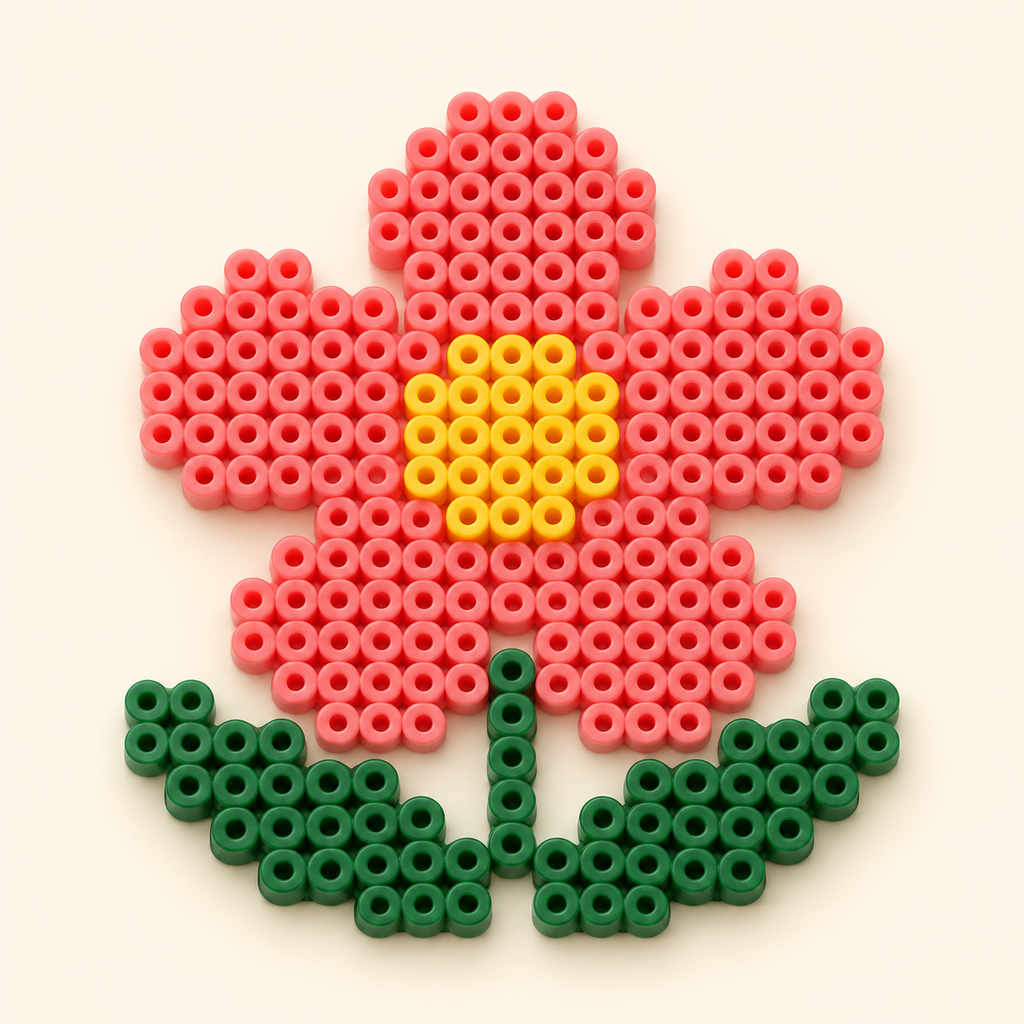
A local-first fuse-bead pattern studio for iPhone and iPad.
Convert a photo into an editable grid, check material counts, follow rows and export a printable chart. No account, advertising, or cloud processing.
Studio colors are generic, not verified manufacturer codes. Import your own CSV palette with code,hex columns, such as A01,#FAEED0. Check physical bead colors before purchasing materials. Printed charts are not at physical bead scale.
Photos are processed on-device. Saved projects contain the grid and settings, not an extra copy of the source photo. Local projects are excluded from device backups: export an editable project to keep your own backup. Uninstalling the app removes its local projects.
For help, email support@lunastar.top. Include your iOS version and a description of the problem. Do not send private images unless you choose to share them for troubleshooting.
Choose from 75 interface language options, with system, light and dark appearance. App Store release is subject to Apple approval.